
The client's phone
The phone app, screen by screen
These are the app's own screens, drawn by the app with fictional data: the sign-in, the relationship picker, Home, Documents, a document and Profile, in light and dark appearance where both exist. The phone app is the client side of the same record the firm works in.
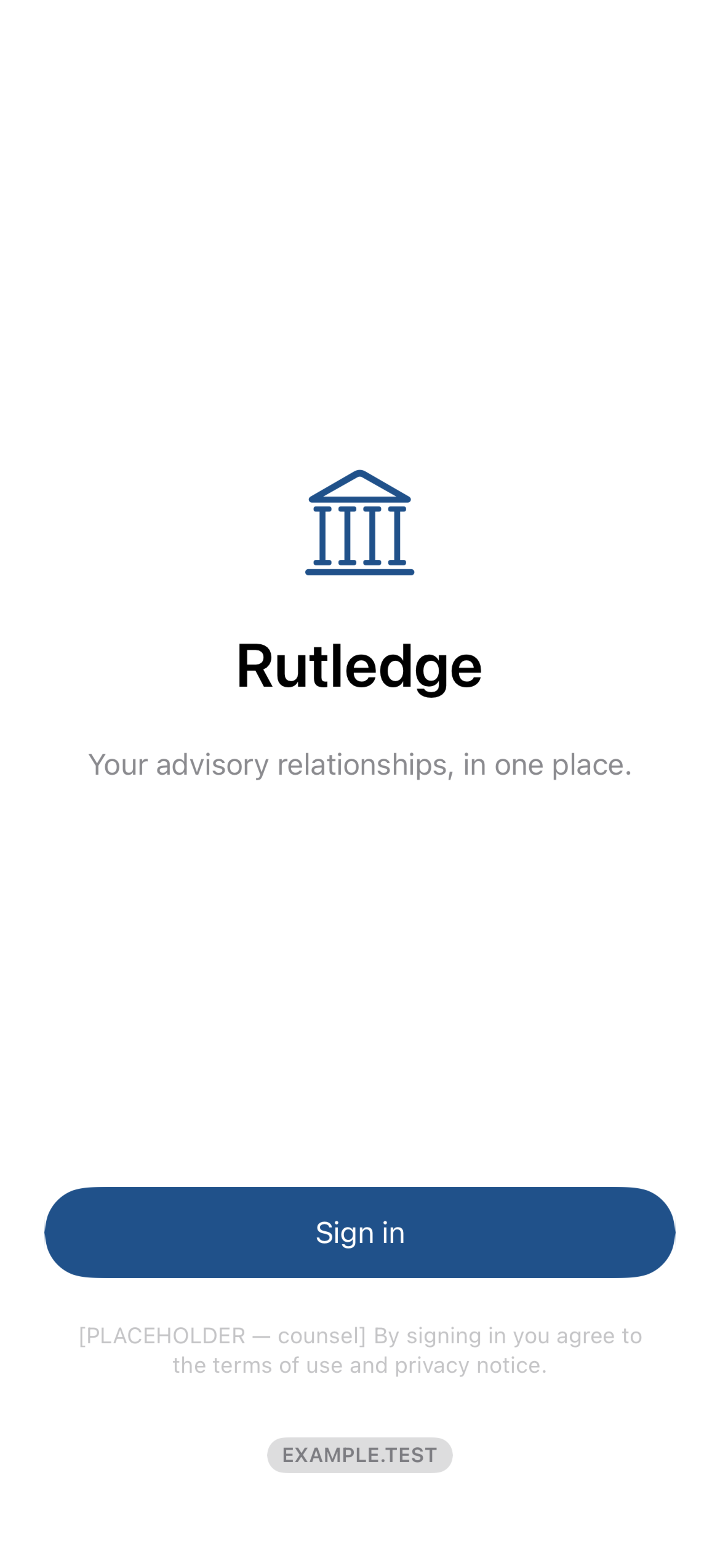
Sign in
Sign in opens the firm's secure sign-in, the same passkey the client uses everywhere, with no password to remember.
Light appearance 
Dark appearance Choose a relationship
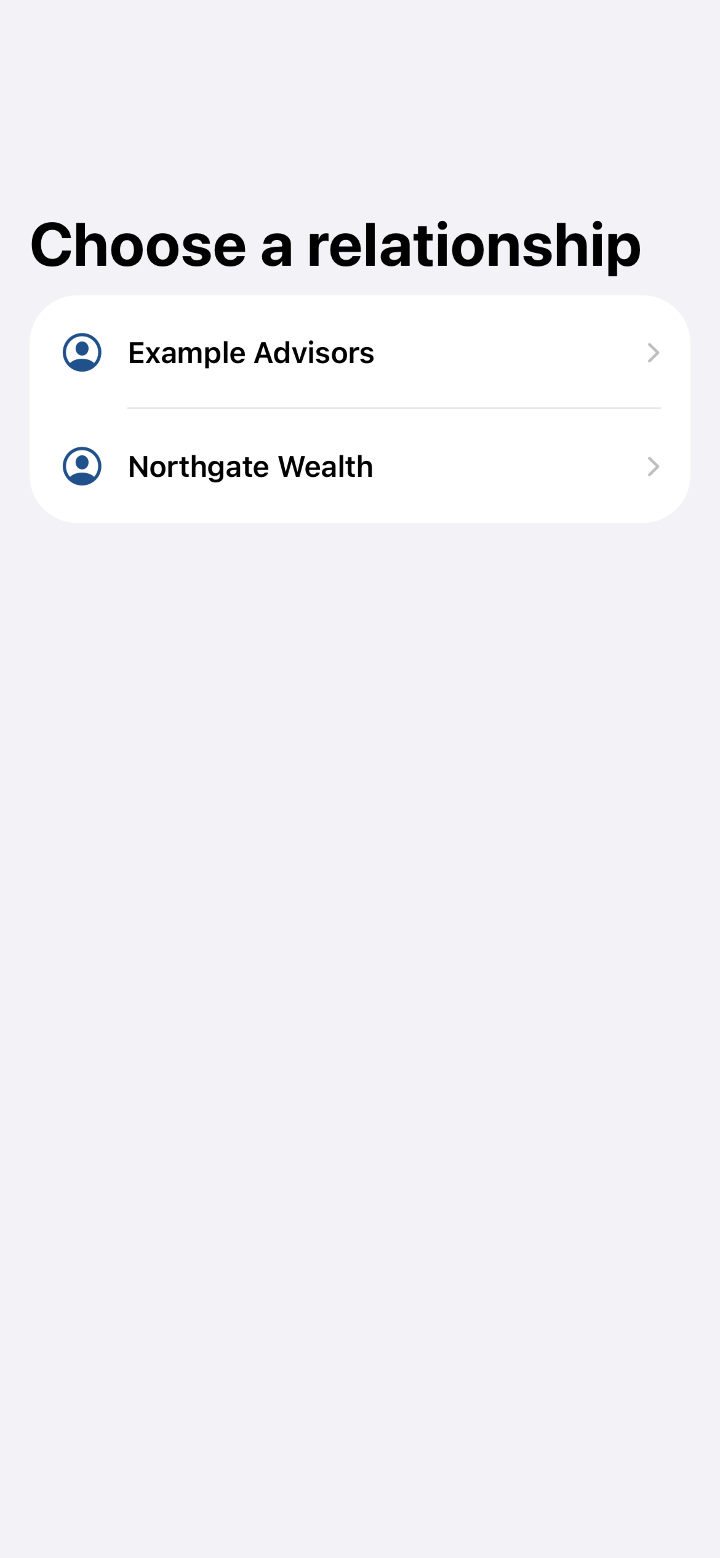
A client who works with more than one firm picks the one they want; a client with one firm goes straight in.
Light appearance Home
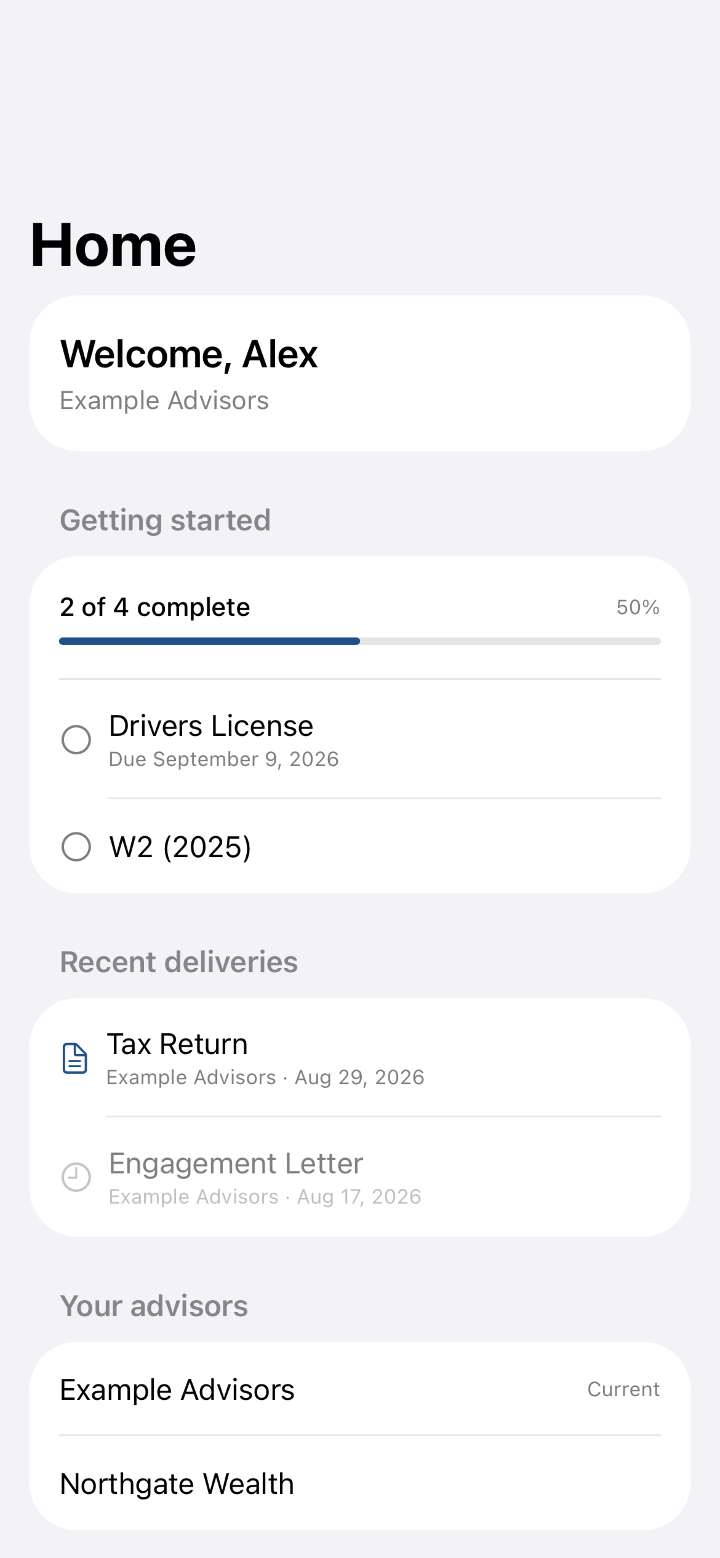
Home shows a greeting, the onboarding steps still open and the documents delivered recently, each opening with a tap.
Light appearance Documents
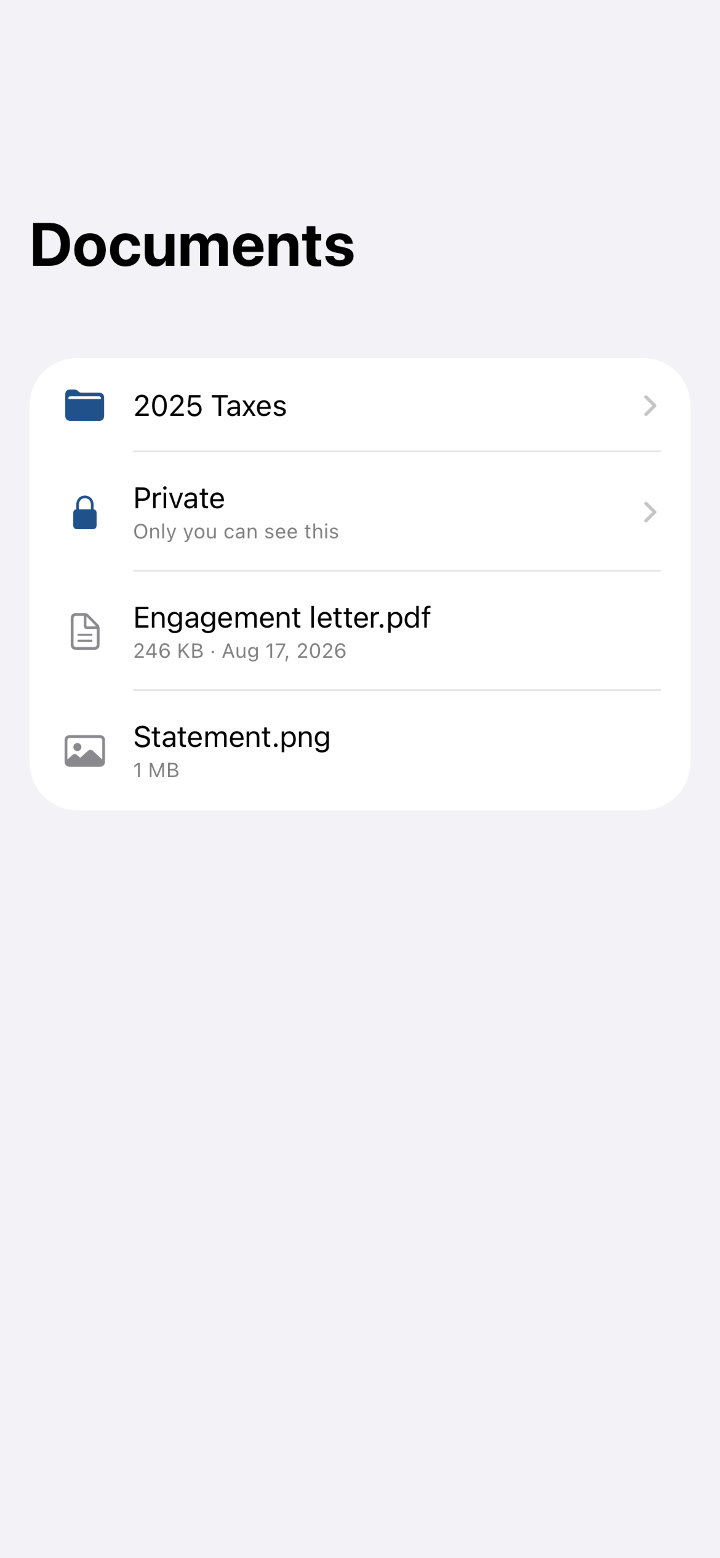
Documents shows the client's folders, with a private folder only the client can see until they choose to share it.
Light appearance A document
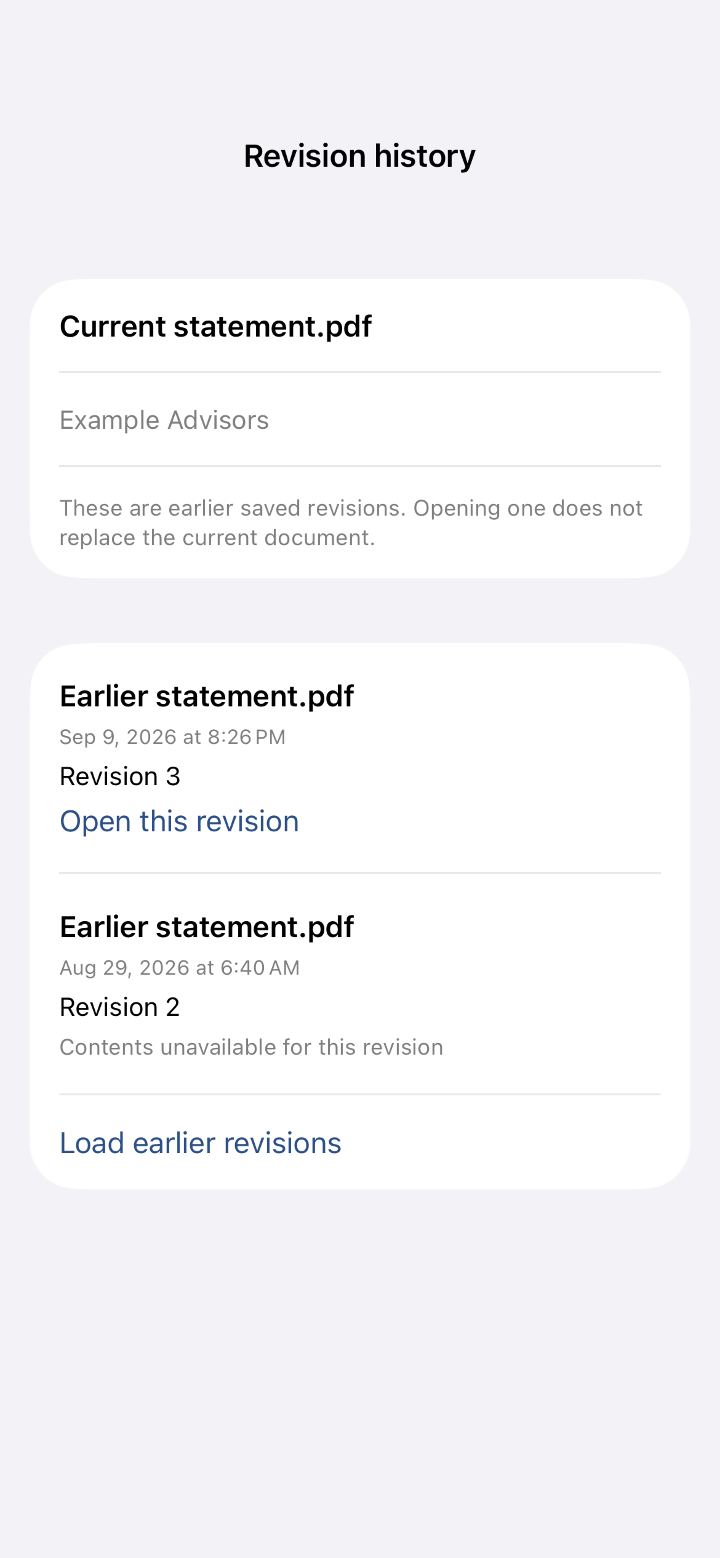
A document's earlier revisions can be opened and recovered without replacing the current one.
Light appearance 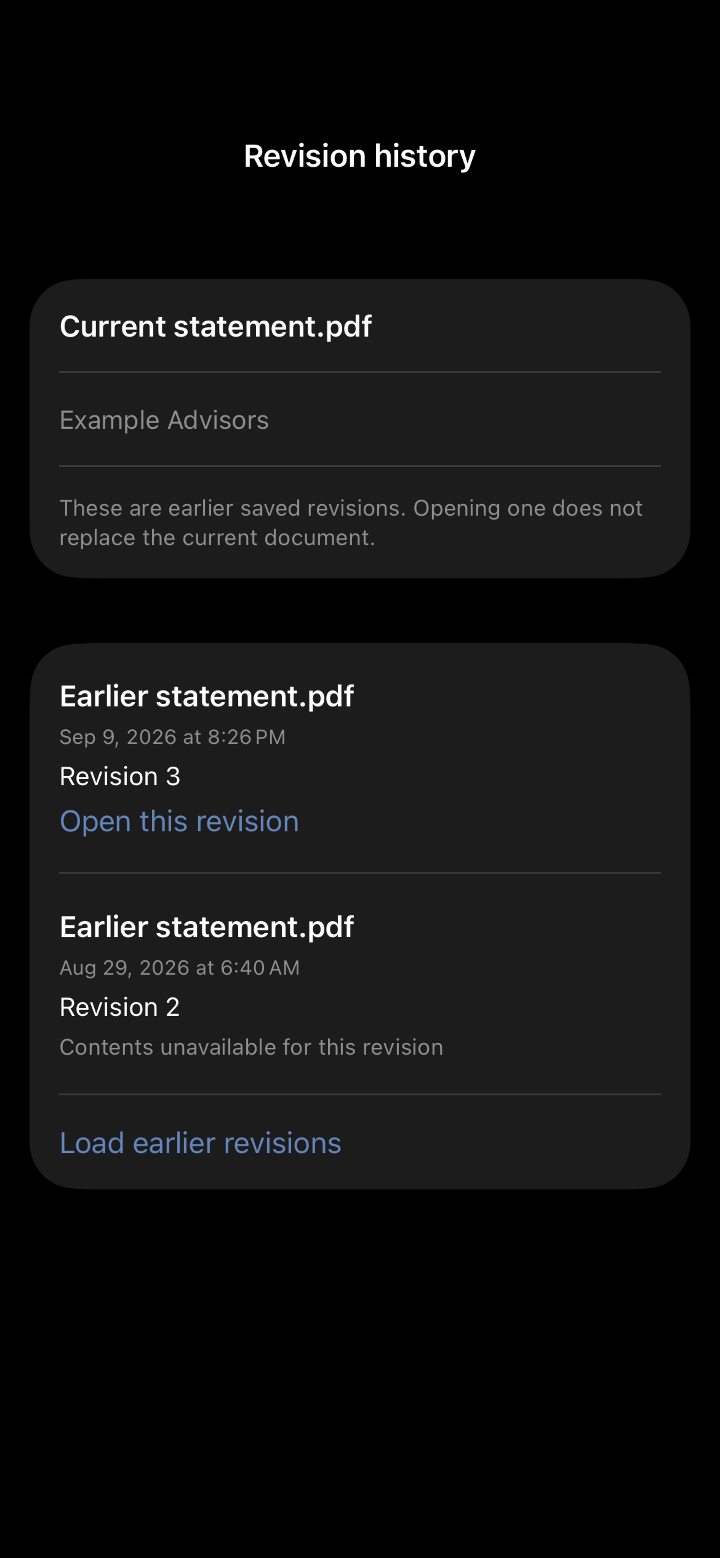
Dark appearance Profile
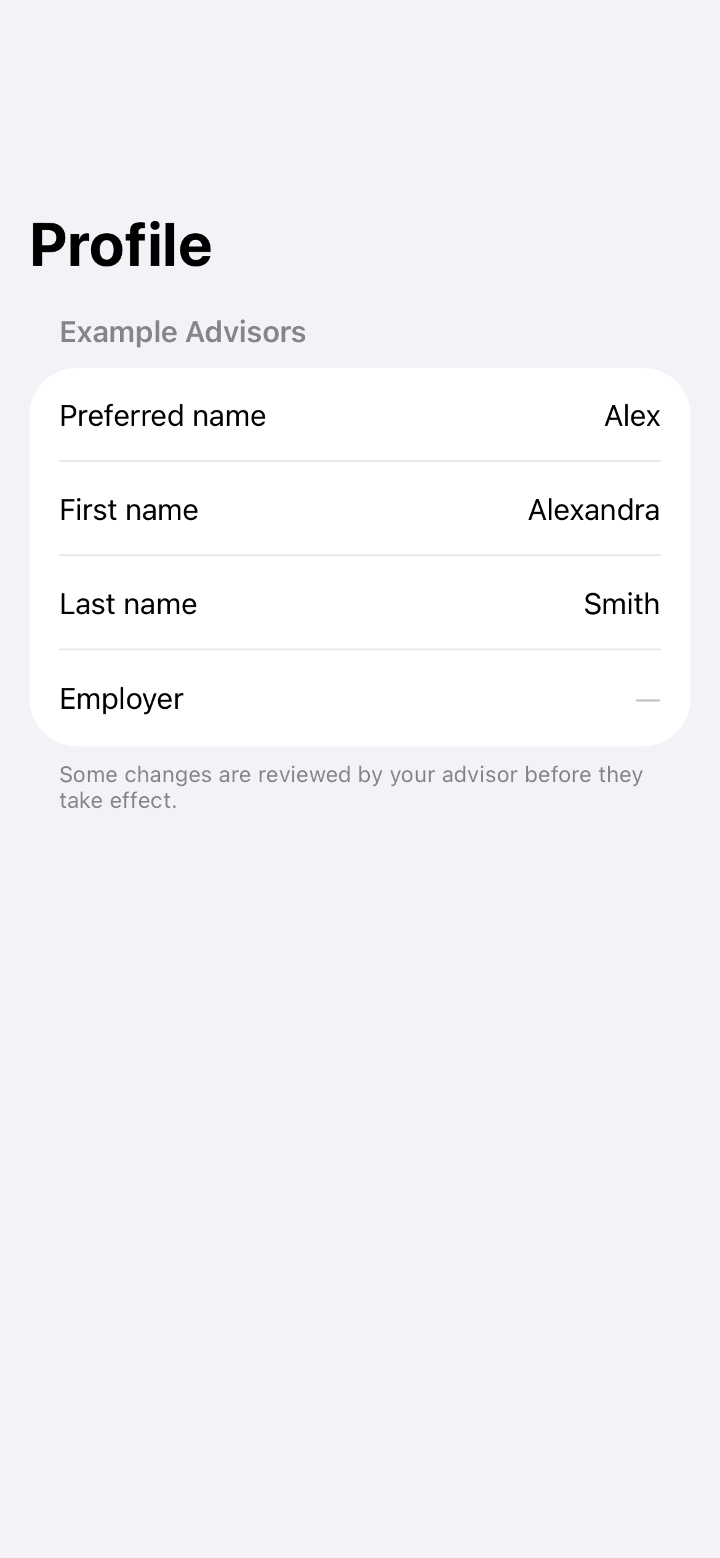
The client reads and changes their own profile; a change the firm must confirm is proposed rather than applied.
Light appearance
The same documents on the web
A document the client uploads from the phone is in the firm's folder moments later, and a file the firm shares is on the phone with a delivery record. The client portal shows the same record in a browser.
Read how the phone app and Drive work or what the client side offers.